

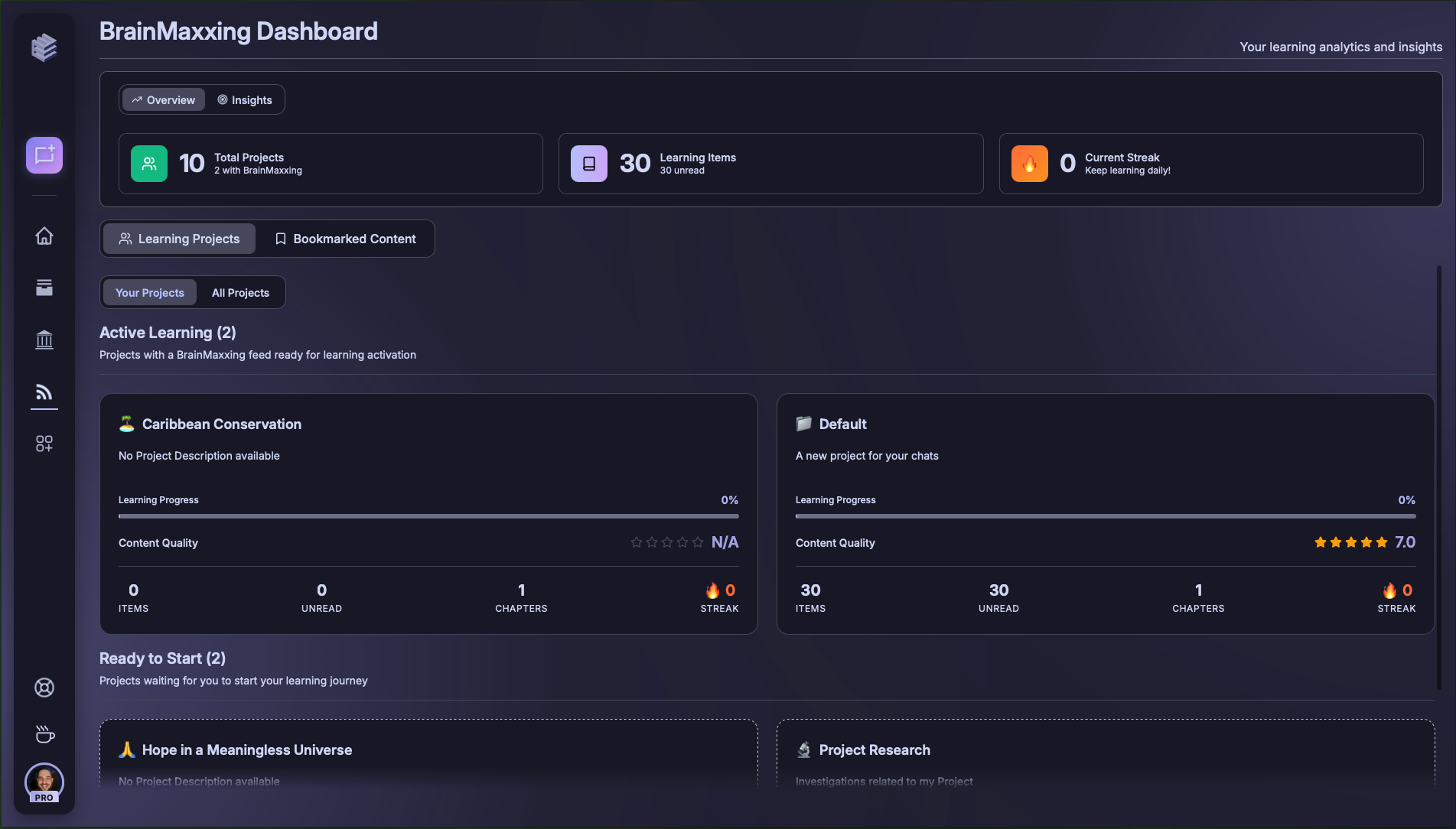
1) BrainMaxxing Metrics Overview
This section provides at-a-glance metrics:- Total Projects – how many projects you’re tracking with BrainMaxxing.
- Learning Items – unread or new content waiting for you.
- Current Streak – how many days you’ve kept up consistent learning.
Keep your streak alive — short, daily engagement compounds into long-term expertise.
2) Filters and Controls
Switch between different types of learning views:- Learning Projects – active projects ready to launch into BrainMaxxing.
- Bookmarked Content – saved articles, videos, or resources you’ve marked to revisit.
- Your Projects / All Projects – filter by personal vs. shared projects.
3) Learning Journeys
The Ready to Start section highlights projects waiting for you to begin a new learning path.- Launch with Start Learning.
- Each project card carries its context forward into BrainMaxxing.
Pick one or two projects to focus on. Deep engagement beats shallow skimming.